Free background remover with no watermark
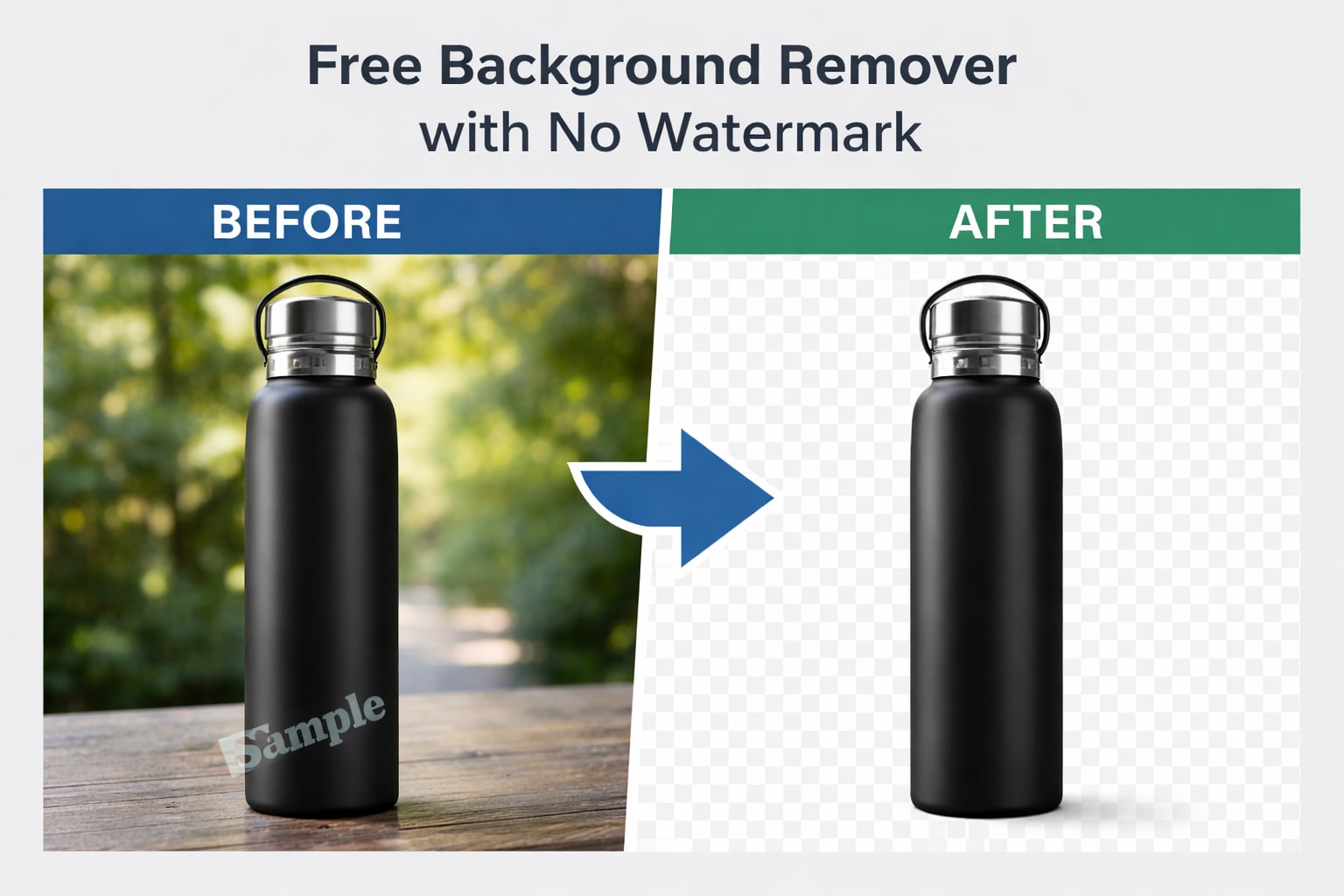
Nothing kills a clean image faster than a watermark.
You remove the background, download the image… and there it is. A big logo across your work. That’s not useful — especially if you’re creating product photos, ads, or client work.If you're looking for a reliable online background remove that doesn’t stamp branding on your images, choosing the right tool matters.
Why Watermarks Are a Problem
Watermarks might protect tools, but they create real problems for users:
You can’t use the image professionally
It looks unpolished
Clients won’t accept it
You’re forced to upgrade just to download
For personal projects, maybe it’s fine. For business? Not at all.
What a True Free Background Remover Should Offer
When someone says “free,” it should actually mean free.
Here’s what to look for:
No watermark on download
No forced signup
Decent image quality
Fast processing
Clean edge detection
If it checks those boxes, it’s usable.
If you're new to background editing and want a full walkthrough first, you can read our guide on how to remove background from images online
How to Remove Background Without a Watermark (Step-by-Step)
The process is simple:
Open a trusted online background remover
Upload your image
Let the tool automatically detect and remove the background
Download the clean image — without branding
That’s it. No editing, no cropping out logos afterward.
You also don’t need expensive editing software. Here’s how to remove image background without Photoshop in just a few clicks.
When You Need Watermark-Free Images
This matters most when you’re:
Creating product photos for e-commerce
Designing social media posts
Running ads
Sending images to clients
Building a portfolio
A watermark makes the image look unfinished. A clean cutout makes it usable.
Quality Still Matters
Free doesn’t mean low quality.
A good background remover should:
Preserve image resolution
Keep edges smooth
Handle hair and fine details properly
Avoid pixelated outlines
If the tool removes the background but ruins the image, it’s not worth it.
A Smarter Way to Remove Backgrounds
If your goal is simple — remove the background and download the image cleanly — use a tool built for that exact purpose.
With SmartBGRemover, you can upload your image, remove the background instantly, and download it without a watermark.
No tricks. No hidden steps.
You shouldn’t have to pay just to remove a logo from your own image.
A proper free background remover with no watermark saves time and keeps your work professional. Choose tools that respect that.