How to Remove Image Background Without Photoshop
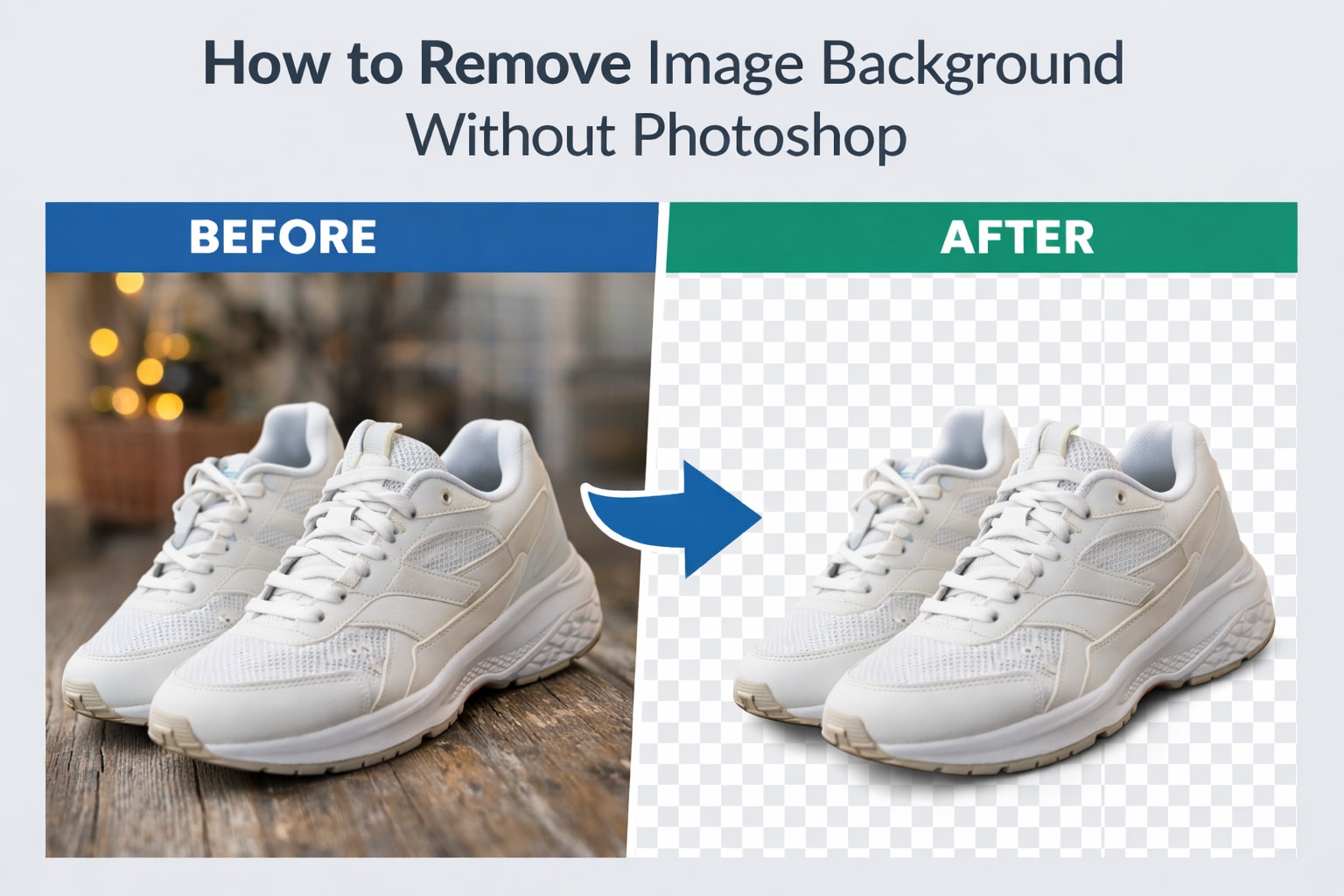
Photoshop is powerful. It’s also slow, expensive, and overkill for most people.
If all you want is to remove a background cleanly, there’s a much easier way. No layers. No selection tools. No learning curve.
Why Photoshop Isn’t the Best Option Anymore
Photoshop was built for designers. Most users aren’t designers.
Common problems people run into:
Takes time to learn
Monthly subscription cost
Manual work for every image
Hard to use on low-end devices
For quick background removal, this just doesn’t make sense.
The Easier Alternative Online Background Removal
Remove background from images online, do one job well: separate the subject from the background automatically.
Here’s what actually happens:
You upload an image
The tool detects the main subject
The background is removed using AI
You download the final image
No editing skills required. Everything happens in seconds.
Step-by-Step: Remove Image Background Without Photoshop
This is the simplest workflow:
Open an online background remover
Upload your image (JPG or PNG)
Wait a few seconds for processing
Download the image with the background removed
That’s it. No manual selection, no cleanup work.
When This Method Works Best
Removing backgrounds without Photoshop is ideal when:
You need fast results
You’re editing product photos
You’re working on social media or marketing images
You don’t want to install software
For everyday use, this approach saves time and effort.
What to Look for in a Good Online Tool
Not all tools give good results. A reliable one should:
Work without signup
Export images without watermarks
Keep edges clean
Handle people and objects well
Work on both desktop and mobile
Accuracy matters more than extra features.
Use a Tool That Gets the Job Done
If your goal is quick and clean background removal, SmartBGRemover is built exactly for that.
Upload your image, let the tool do the work, and download the result—no Photoshop, no complexity.
You don’t need professional software to get professional-looking results.
For most images, online background removal is faster, simpler, and more practical than Photoshop. If you value speed and ease, this is the smarter choice.