Transparent Background PNG Logo Maker
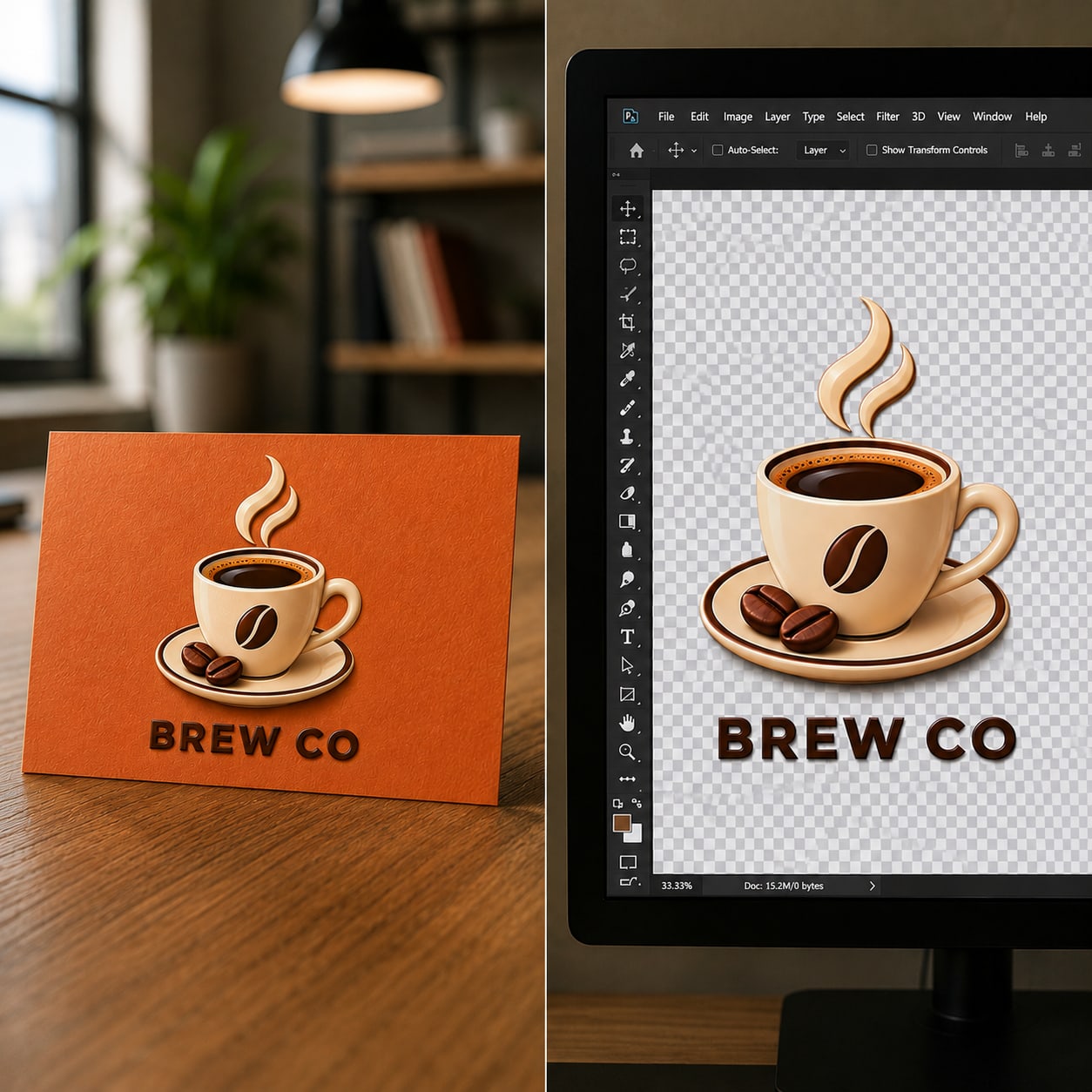
A logo with a solid background looks fine until you place it somewhere else — a colored website header, a dark app icon, a printed banner — and suddenly there's an ugly box around it. A transparent background fixes this instantly, letting your logo sit cleanly on any surface. You don't need design software to get this. A free AI tool can strip the background from any logo image in seconds.
Why a Transparent Logo Matters
Brands use their logo across dozens of places — websites, social media, invoices, merchandise, email signatures. If the logo has a white or colored box behind it, it clashes the moment the background isn't the exact same color. A transparent PNG logo adapts to any background automatically, which is why almost every professional brand kit includes one.
How to Make Your Logo Background Transparent
Step 1: Upload Your Logo
Go to SmartBGRemover and upload your existing logo file — even a screenshot or a low-quality JPG works.
Step 2: AI Detects the Logo Shape
The AI identifies the icon, text, and edges of your logo and separates it cleanly from whatever background it currently has, including complex shapes, thin lines, and small text.
Step 3: Download as Transparent PNG
Download the result as a PNG file with a transparent background — ready to use anywhere, no quality loss.
Tips for Best Logo Results
- Start with the highest resolution version of your logo you have
- Logos with clear, high-contrast edges against their current background convert cleanest
- Avoid using a screenshot with visible compression artifacts if possible
- Always export as PNG, not JPG — JPG cannot hold transparency
- Double-check thin text or fine details after conversion, especially on small or intricate logos
Where to Use a Transparent Logo
- Website headers and footers
- Mobile app icons and favicons
- Social media profile and cover images
- Email signatures
- Printed materials like business cards and packaging
- PowerPoint decks and pitch presentations
Why Use SmartBGRemover
No design software, no manual tracing, no watermark on the final file. Upload once, download a clean transparent PNG logo in seconds — free for personal and commercial use.