YouTube Thumbnail Background Remover — Free & Instant AI Tool
Remove background from YouTube thumbnails instantly for professional, click-worthy results
Drag & drop your image here
Supported: JPG, PNG, WebP • Max 10MB
Try one of these images

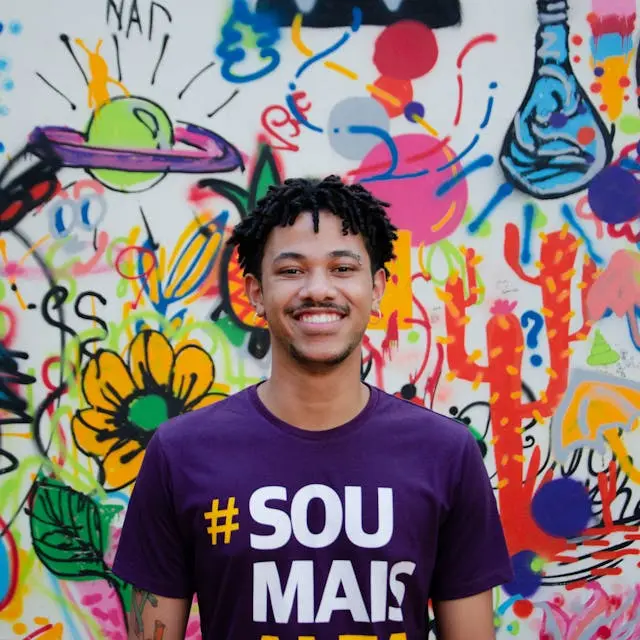
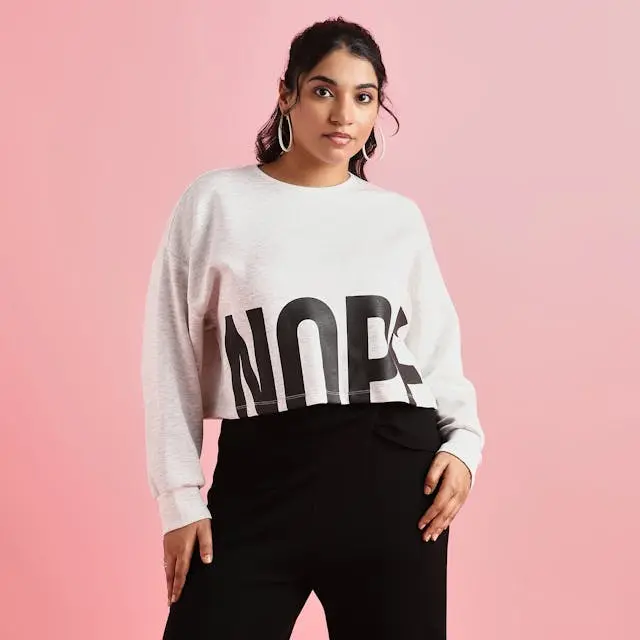

Image Transformation Preview
Watch your images transform with one click
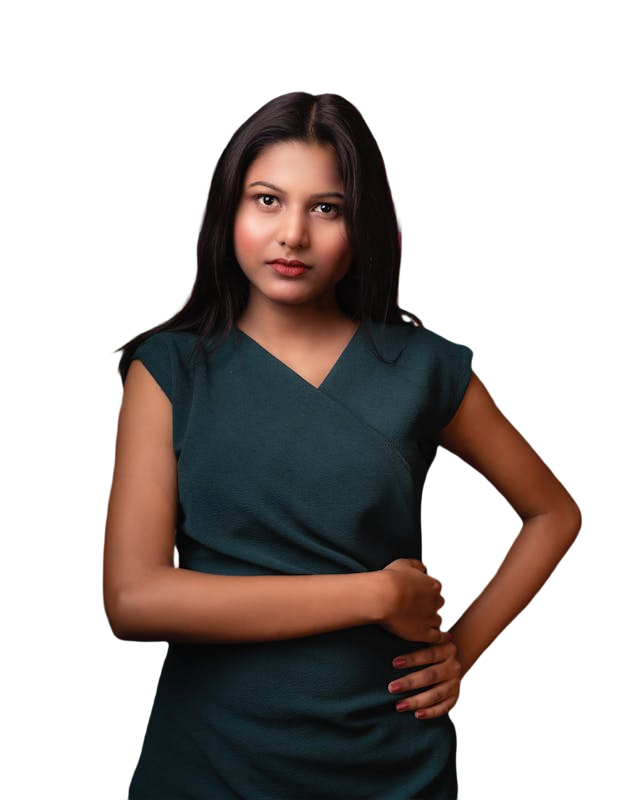

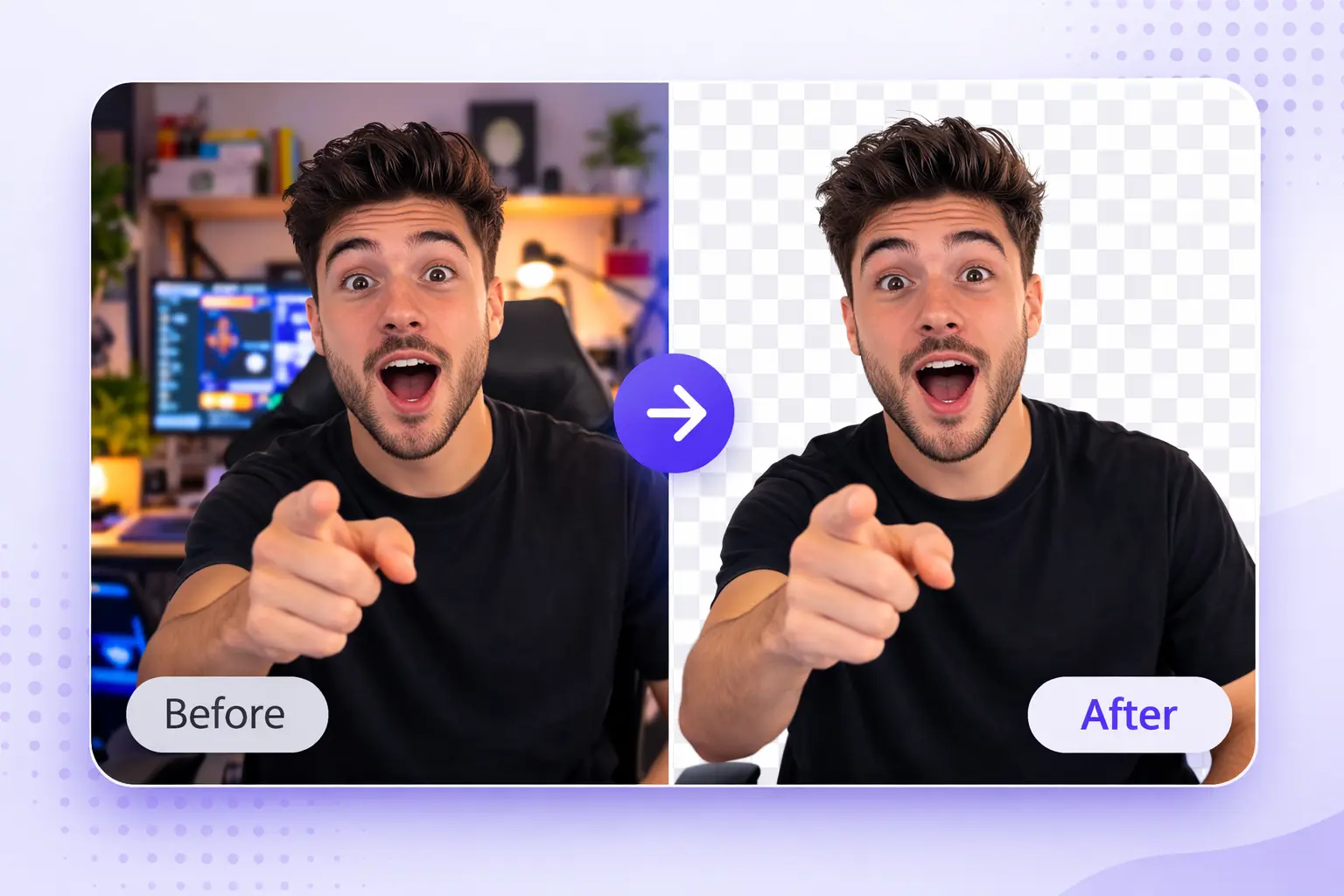
Clean Thumbnail Backgrounds for Higher Click Rates
Removing the background from a YouTube thumbnail puts full visual focus on the subject. Whether the thumbnail features a person, product, or object, a clean cutout allows bold colors and text to sit behind the subject without distraction.
Higher contrast between subject and background directly improves click-through rates. Thumbnails that use clean cutouts with bright or gradient backgrounds consistently outperform thumbnails with original cluttered backgrounds in A/B testing across content categories.
This tool processes thumbnail images in seconds, delivering sharp cutouts ready for use in Canva, Photoshop, or any design tool without additional editing required.
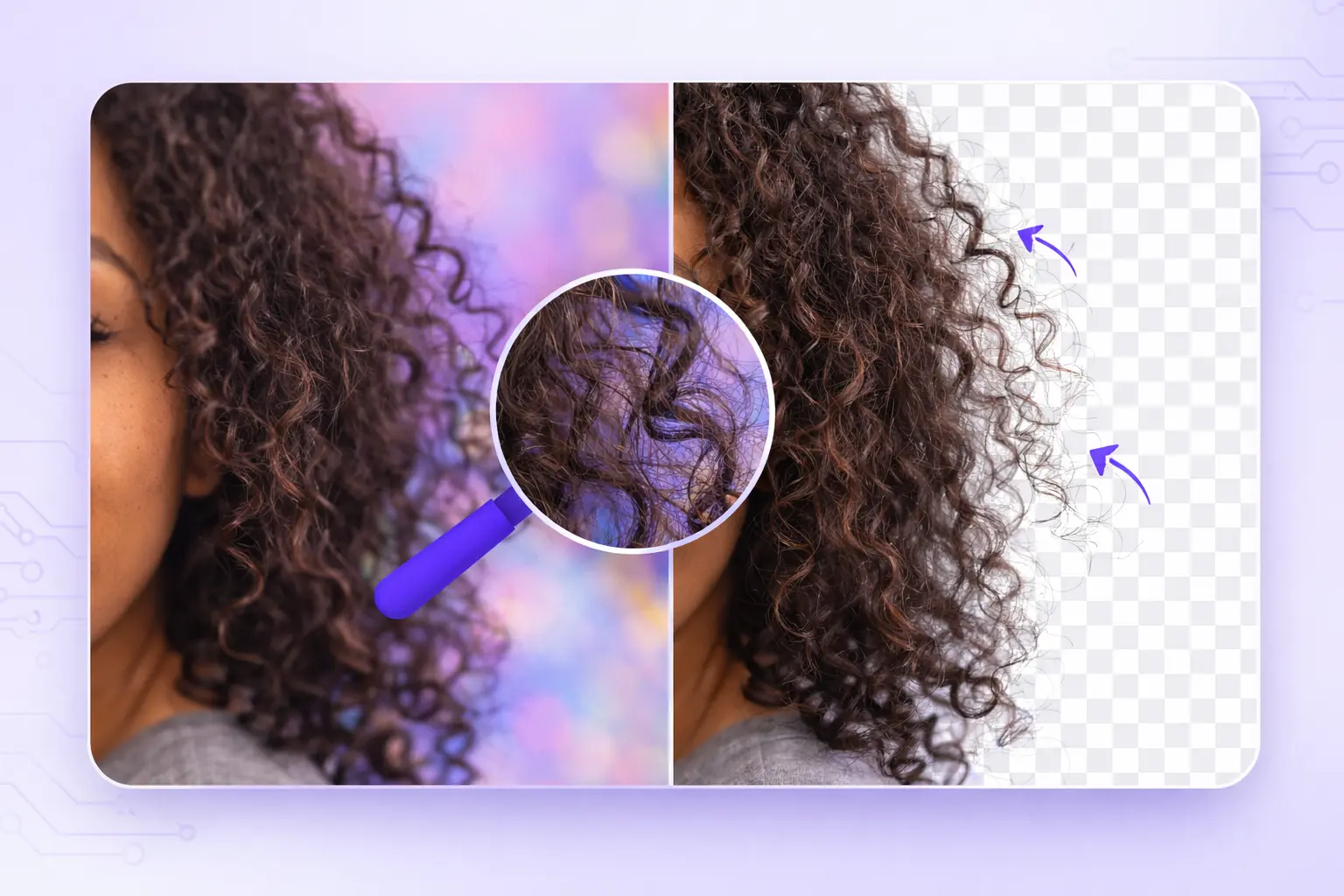
Sharp Edge Detection for Faces and Objects
YouTube thumbnails often feature close-up faces with complex hair, or products with irregular shapes. The AI detects fine edges accurately, preserving hair strands, facial details, and product outlines without rough or artificial-looking cutouts.
Sharp, natural edges make composited thumbnails look professionally designed rather than quickly edited. This quality difference is visible at small sizes, which matters because thumbnails display at reduced dimensions across most YouTube surfaces including mobile search and suggested video feeds.
Results are consistent across different image qualities, lighting conditions, and subject types without requiring manual cleanup.
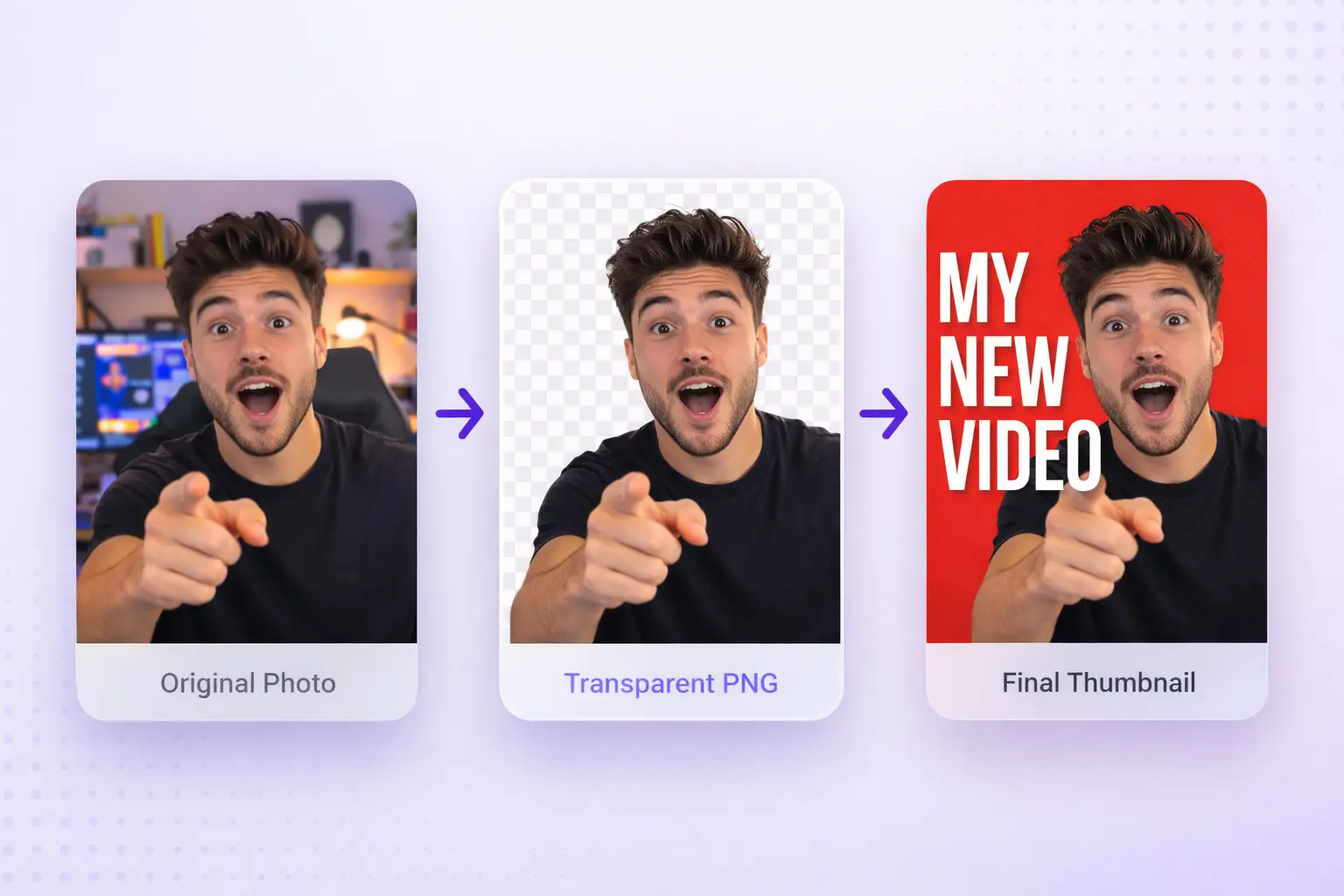
Transparent PNG Output Ready for Any Design Tool
Processed thumbnails download as transparent PNG files that drop directly into Canva, Adobe Photoshop, Figma, or any other design platform without additional steps.
Transparent backgrounds give full creative control over the final thumbnail design. Creators can place the cutout subject over any color, gradient, pattern, or custom background to match their channel branding and video topic.
No watermark appears on downloaded files and there is no resolution limit on exports, making this suitable for professional thumbnail production workflows at any scale.
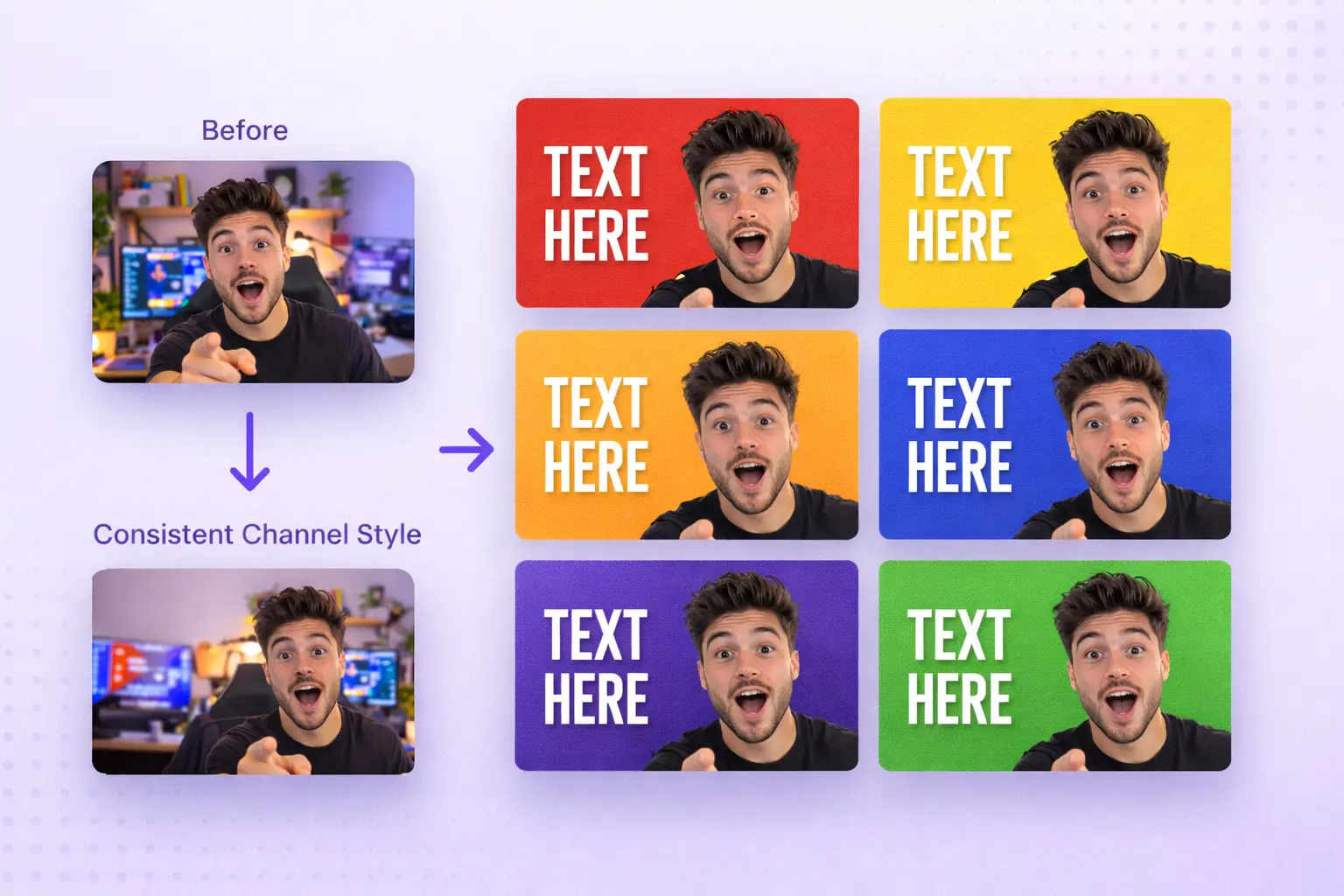
Consistent Thumbnail Style Across Your Channel
Channel branding depends on visual consistency. When every thumbnail follows the same background style, color scheme, and layout structure, the channel looks intentional and professional to both new and returning viewers.
This tool makes it practical to maintain that consistency by quickly removing backgrounds from any photo and preparing it for the same template layout used across all videos. Processing takes seconds per image, making batch thumbnail preparation fast and straightforward.
Consistent thumbnail styles improve channel page appearance and contribute to stronger subscriber retention and recognition in competitive content categories.
Free to Use With No Watermark or Signup Required
Creating thumbnails is part of every video production workflow. Having a free, reliable background removal tool available without account registration or watermarks removes friction from that process.
Full resolution transparent PNG files download immediately after processing with no subscription, credit system, or hidden limitations. The tool works in any modern browser on desktop or mobile without software installation.
Suitable for individual creators, social media managers, marketing teams, and agencies producing YouTube content at any volume.

Background Remover FAQs
Quick Help Before You Click Upload
Yes. Background removal is completely free with no watermark on downloaded files and no account registration required.
JPG and PNG files both work well. Higher resolution images produce sharper edge detection results on hair and fine details.
Yes. The AI handles fine hair strands, irregular product shapes, and complex outlines accurately without requiring manual cleanup.
Yes. All processed images download as transparent PNG files ready for use in Canva, Photoshop, Figma, or any design tool.
Yes. Product shots, flat lays, and object thumbnails process accurately with clean edges suitable for professional thumbnail design.
Testimonials
What Our Users Say
I save so much time editing my product images. This tool is a total game-changer for background remover online!

Rachel, UK
E-commerce seller
The AI background remover is shockingly accurate. It handles the trickiest edges—hair, shadows—with ease.

Peter, Singapore
Content creator
Fast, free, and simple — exactly what I needed to remove background from image for my social media graphics.

Alex, LDN
Social media manager
This automatic background eraser makes all my thumbnails look clean and professional without needing Photoshop.

Sarah, NYC
YouTuber & designer
I use it daily for my Etsy shop. The consistent, clean results from the transparent background tool keep my product catalog sharp.

Michael, Toronto
Etsy shop owner
This app has helped me understand how AI background remover tools can actually simplify my creative process.

Emma, Sydney
Freelance photographer
I needed clean product photos for my online store and this tool saved me hours. No Photoshop, no hassle — just upload and done.

David, Berlin
Online store owner
I use SmartBGRemover for all my Instagram posts. The edges come out so clean, even with curly hair. Totally free and no watermark — love it.

Lisa, Amsterdam
Instagram creator
I save so much time editing my product images. This tool is a total game-changer for background remover online!
Rachel, UK
E-commerce seller
The AI background remover is shockingly accurate. It handles the trickiest edges—hair, shadows—with ease.
Peter, Singapore
Content creator
Fast, free, and simple — exactly what I needed to remove background from image for my social media graphics.
Alex, LDN
Social media manager
This automatic background eraser makes all my thumbnails look clean and professional without needing Photoshop.
Sarah, NYC
YouTuber & designer
I use it daily for my Etsy shop. The consistent, clean results from the transparent background tool keep my product catalog sharp.
Michael, Toronto
Etsy shop owner
This app has helped me understand how AI background remover tools can actually simplify my creative process.
Emma, Sydney
Freelance photographer
I needed clean product photos for my online store and this tool saved me hours. No Photoshop, no hassle — just upload and done.
David, Berlin
Online store owner
I use SmartBGRemover for all my Instagram posts. The edges come out so clean, even with curly hair. Totally free and no watermark — love it.
Lisa, Amsterdam
Instagram creator